Troubleshooting & Accessories
Practical guidance for common setup questions, maintenance, and accessories that support a smoother session.
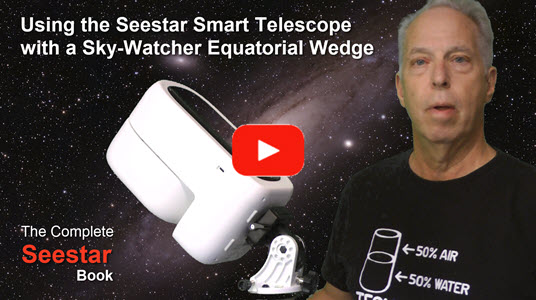
Using the Seestar Smart Telescope with a Sky-Watcher Equatorial Wedge
Get more from your Seestar. This page is a growing collection of practical ideas, helpful techniques, and answers to questions that come up when using a Seestar smart telescope.
Whether you are just getting started or have been capturing the night sky for a while, check back for new articles and useful discoveries.
Practical guidance for common setup questions, maintenance, and accessories that support a smoother session.
Using the Seestar Smart Telescope with a Sky-Watcher Equatorial Wedge
Ideas for planning a session, framing an object, collecting data, and getting the most from your captures.
Make sense of useful app features and settings, including tools that may be easy to overlook.
Explore wide-field photography and the Seestar features intended for landscapes and the Milky Way.
Learn about options for improving images in the Seestar app and with external processing software.
Discover ways to manage your telescope and files when you want to work beyond the phone or tablet.
Have a question or a topic you'd like to see covered? Get in touch.
For a step-by-step reference covering Seestar setup, observing, imaging, and more, visit the book contents or order a copy of The Complete Seestar Book.