Inside the Book
Think of this book as the manual that should have come with your Seestar.
The Complete Seestar Book: How to get the most out of your all-in-one smart telescope takes you from unboxing your telescope to capturing stunning images of the cosmos.
Essentially, it's a "show me how to do it" book.
Each topic is broken down into a few concise pages. Numbered steps accompanied by numerous labeled illustrations show you exactly what tools in the Seestar app you need to tap, in the precise order, to quickly get you stargazing—capturing gorgeous images that are sure to amaze you and impress your friends.
Everything is explained in plain English—not techno-speak. Each chapter describes a specific aspect of using the Seestar, from Getting Started to post-processing your astro-images. Whether you're a novice or experienced user, this book has got you covered.
Chapter Gallery
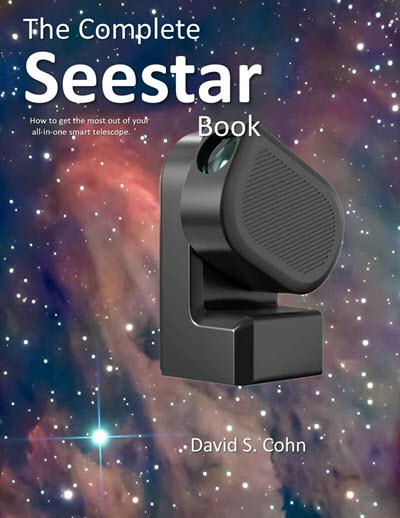
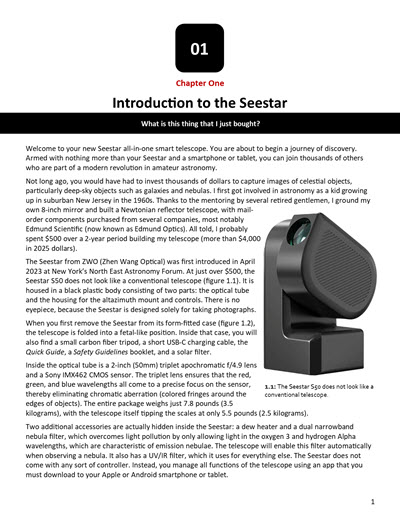
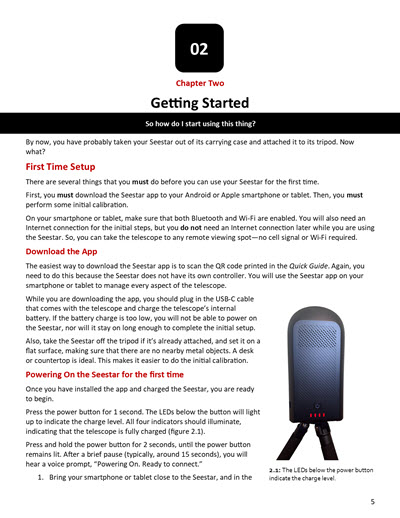
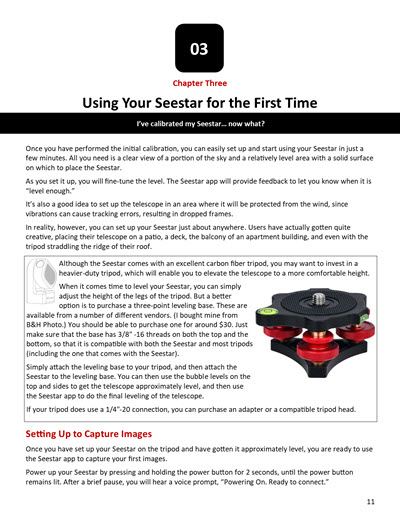
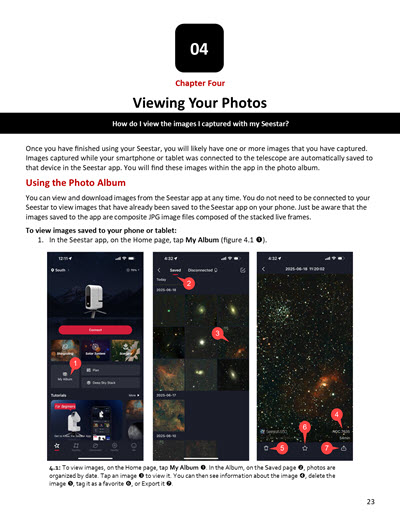
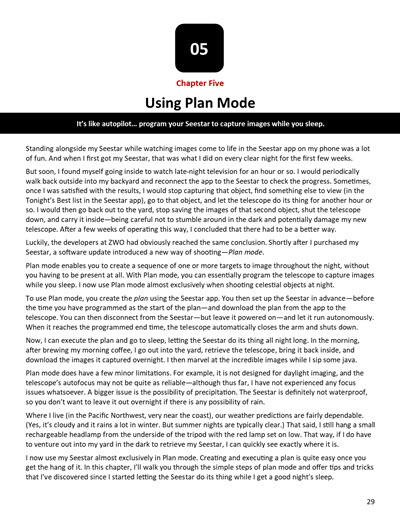
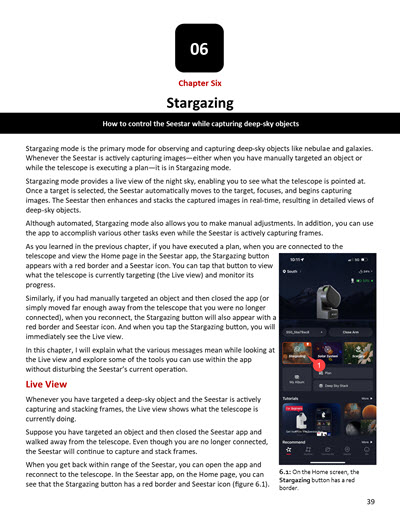
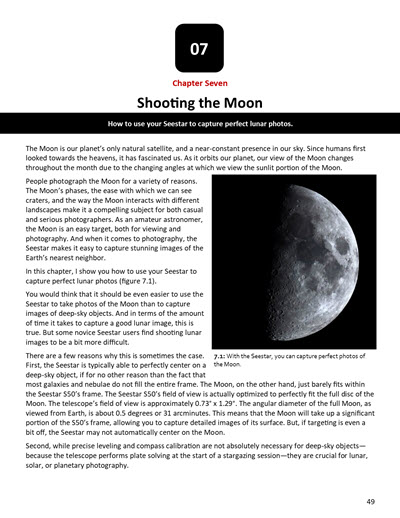
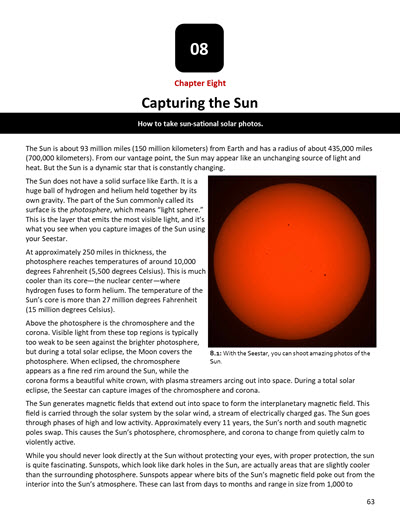
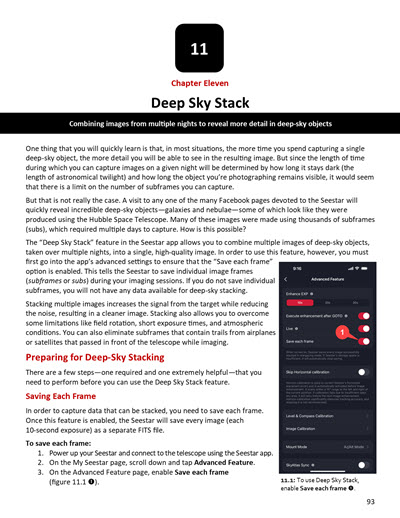
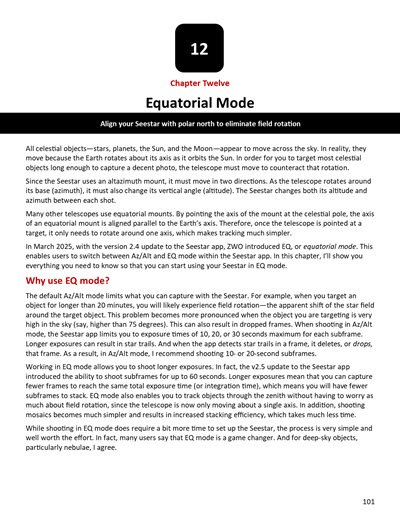
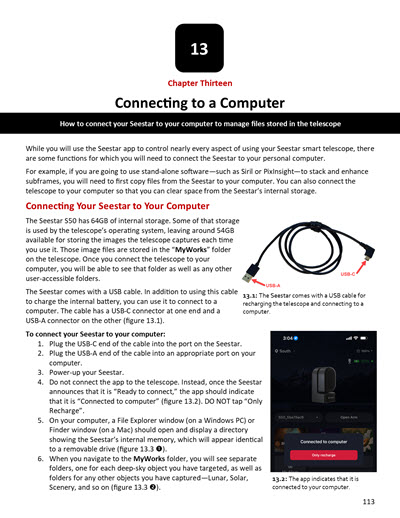
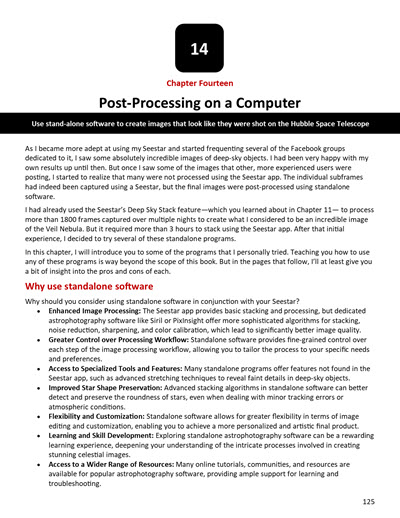
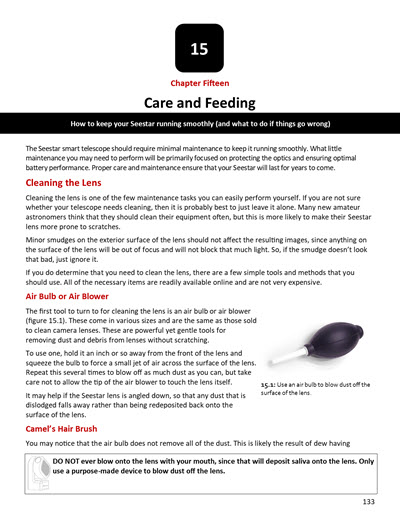
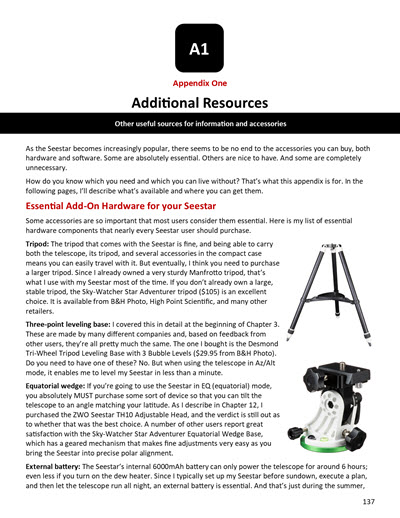
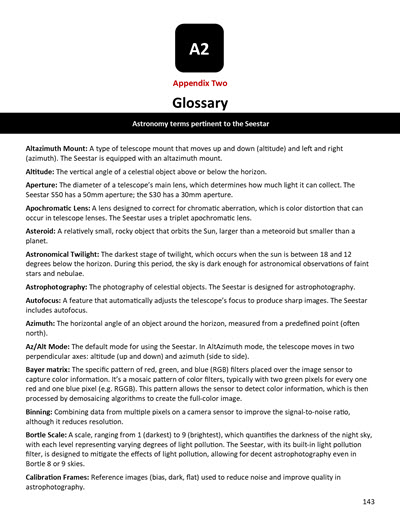
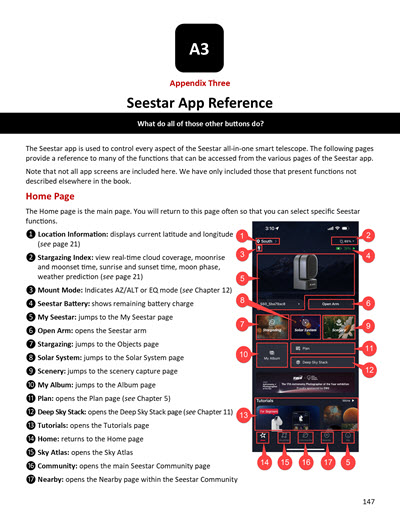
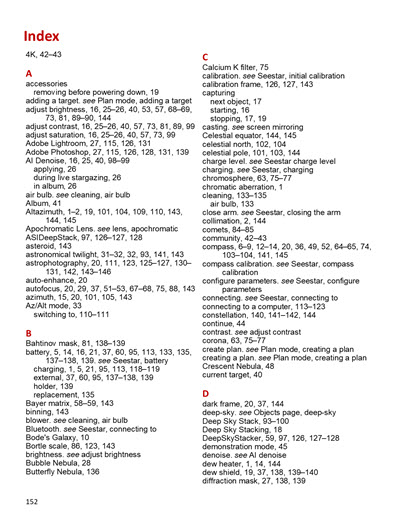
Table of Contents
Click to expand
- 1. Introduction to the Seestar: What is this thing I just bought?
- 2. Getting Started: So how do I start using this thing?
- 3. Using Your Seestar for the First Time: I've calibrated my Seestar... now what?
- 4. Viewing Your Photos: How do I view the images I captured with my Seestar?
- 5. Using Plan Mode: It's like autopilot... program your Seestar to capture images while you sleep
- 6. Stargazing: How to control the Seestar while capturing deep-sky objects
- 7. Shooting the Moon: Using your Seestar to capture perfect lunar photos.
- 8. Capturing the Sun: How to take sun-sational solar photos.
- 9. Photographing Planets: The Seestar isn't made for this... but I know you're going to try it anyway
- 10. Shooting Scenery: Use your space camera to shoot earth-bound images
- 11. Deep Sky Stack: Combining images from multiple nights to reveal more detail in deep-sky objects
- 12. Equatorial Mode: Align your Seestar with the Earth's axis to eliminate field rotation
- 13. Connecting to a Computer: How to connect your Seestar to your computer to manage files stored in the telescope
- 14. Post-Processing on a Computer: Use stand-alone software to create images that look like they were shot by the Hubble Space Telescope
- 15. Care and Feeding: How to keep your Seestar running smoothly (and what to do if things go wrong)
- A1. Additional Resources: Other useful sources for information and accessories
- A2. Glossary: Astronomy terms pertinent to the Seestar
- A3. Seestar App Reference: What do all of those other buttons do?
Selected Illustrations
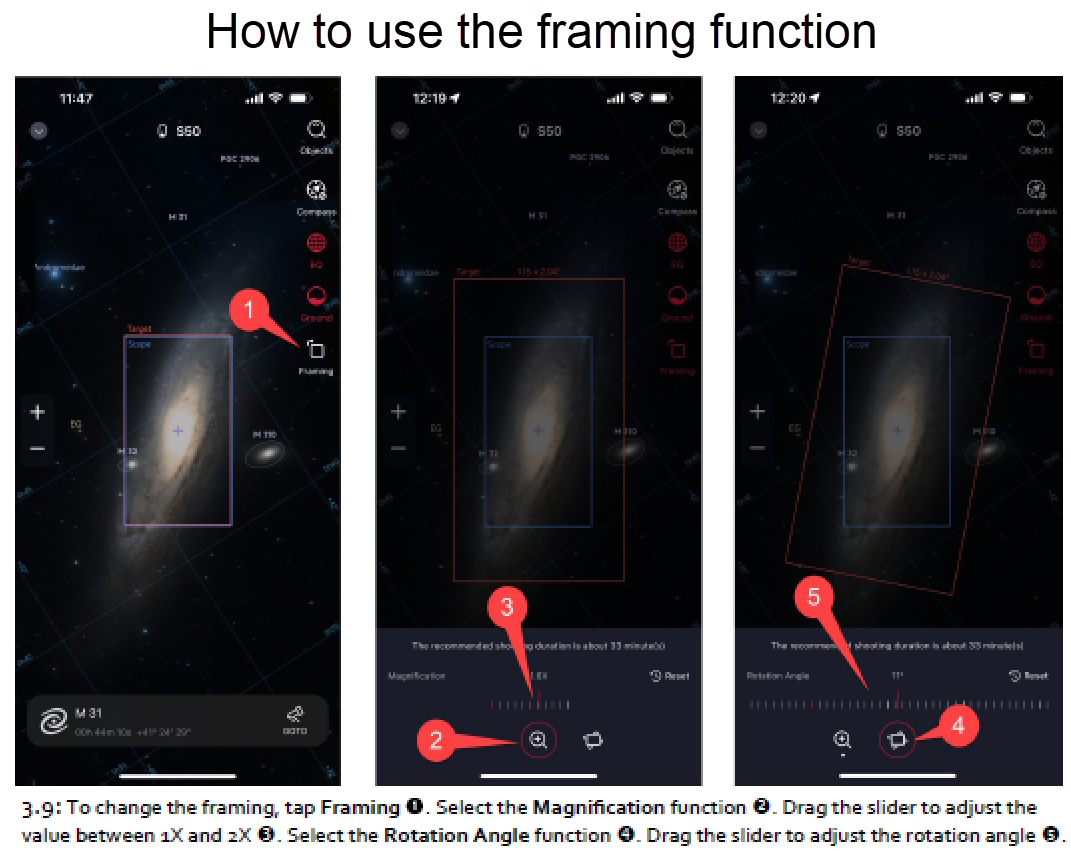
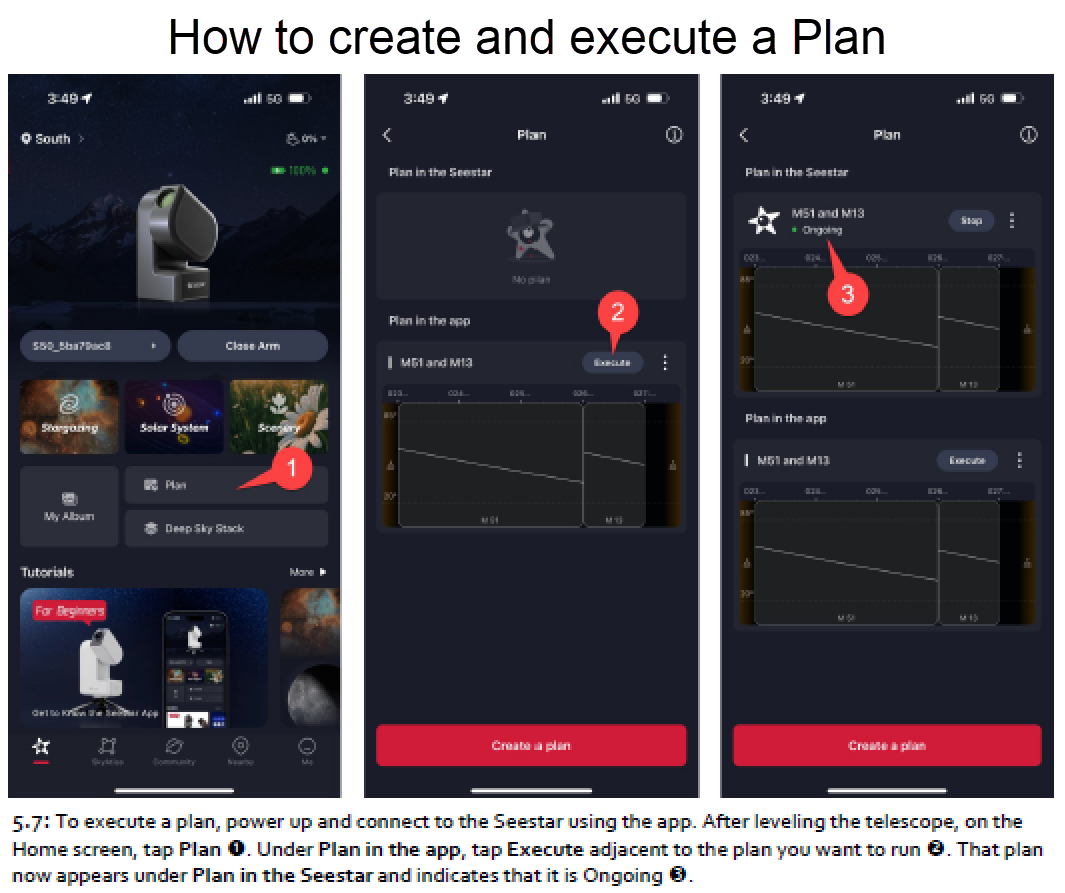
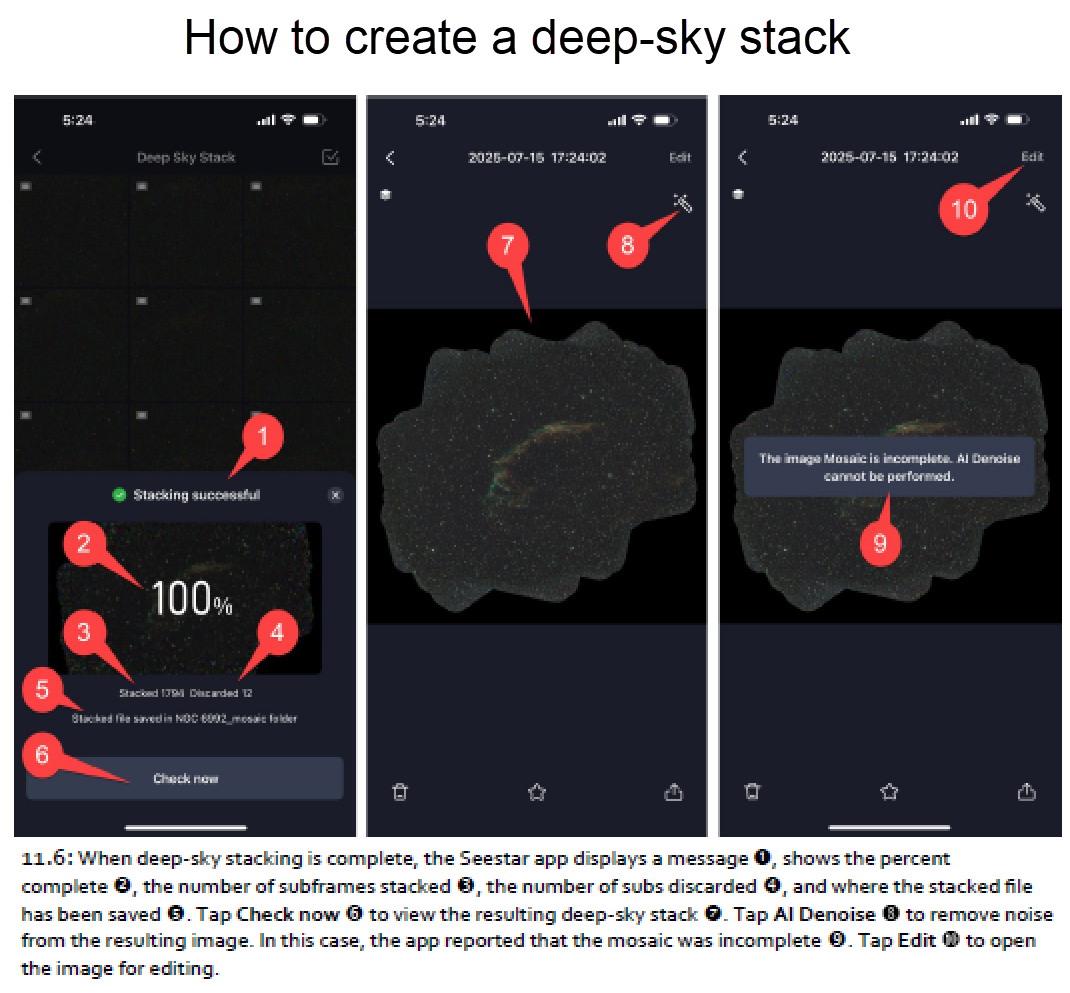
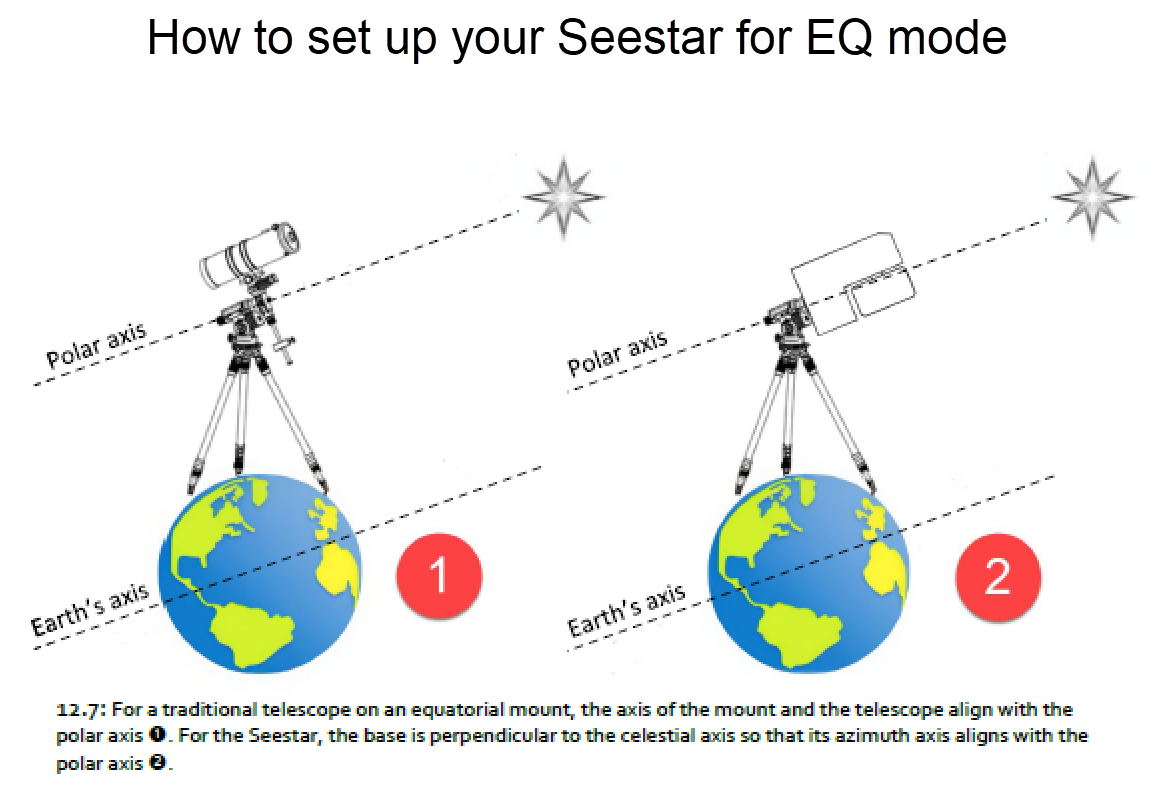
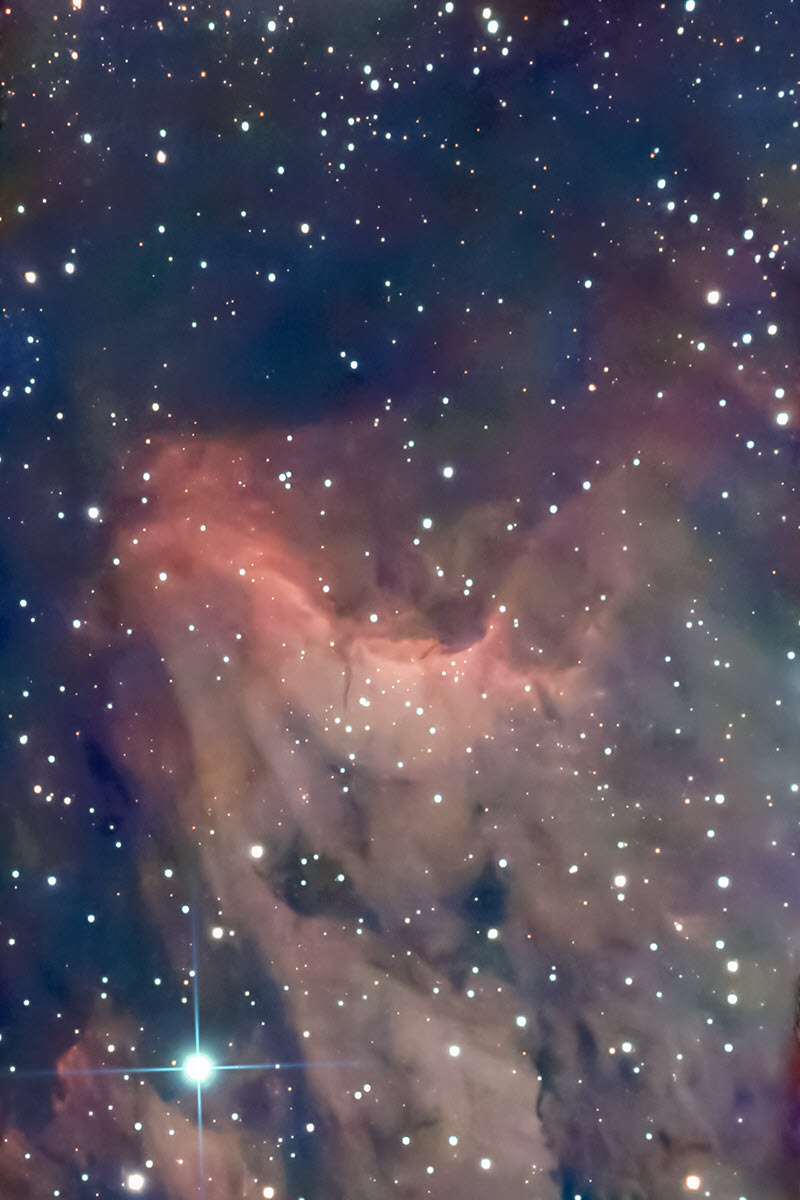
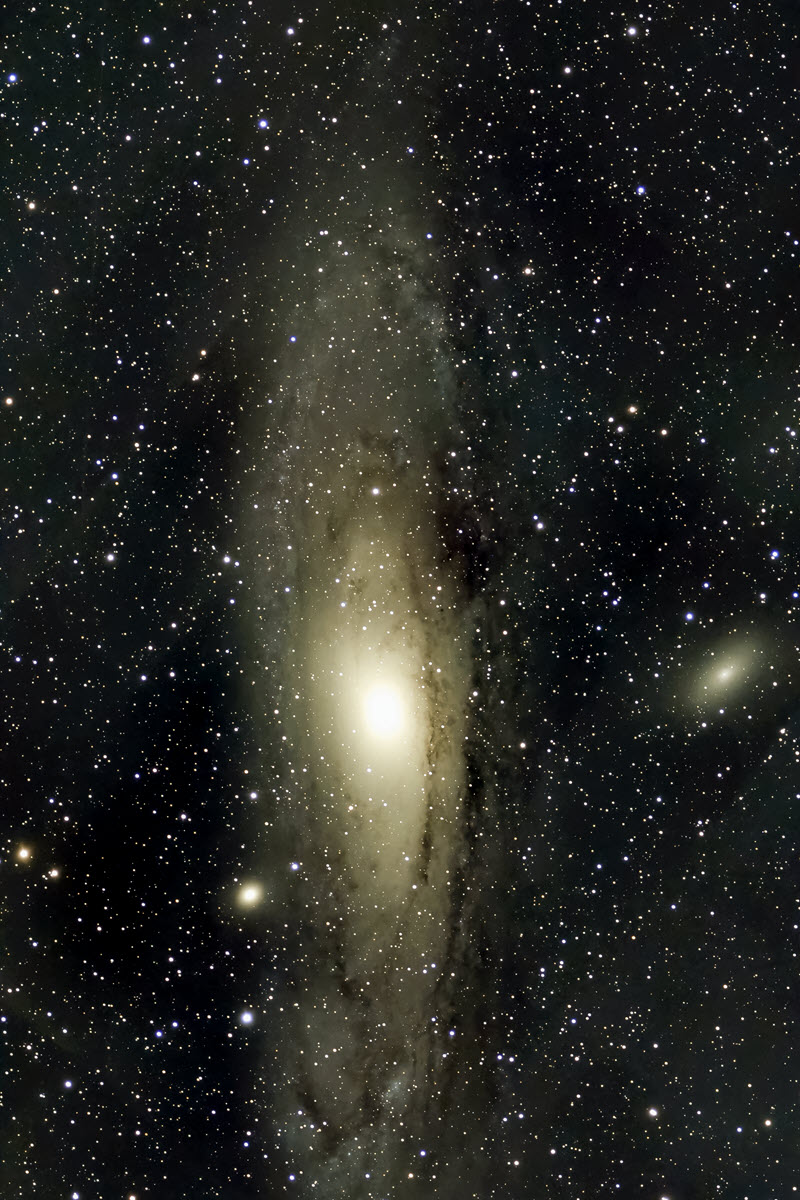
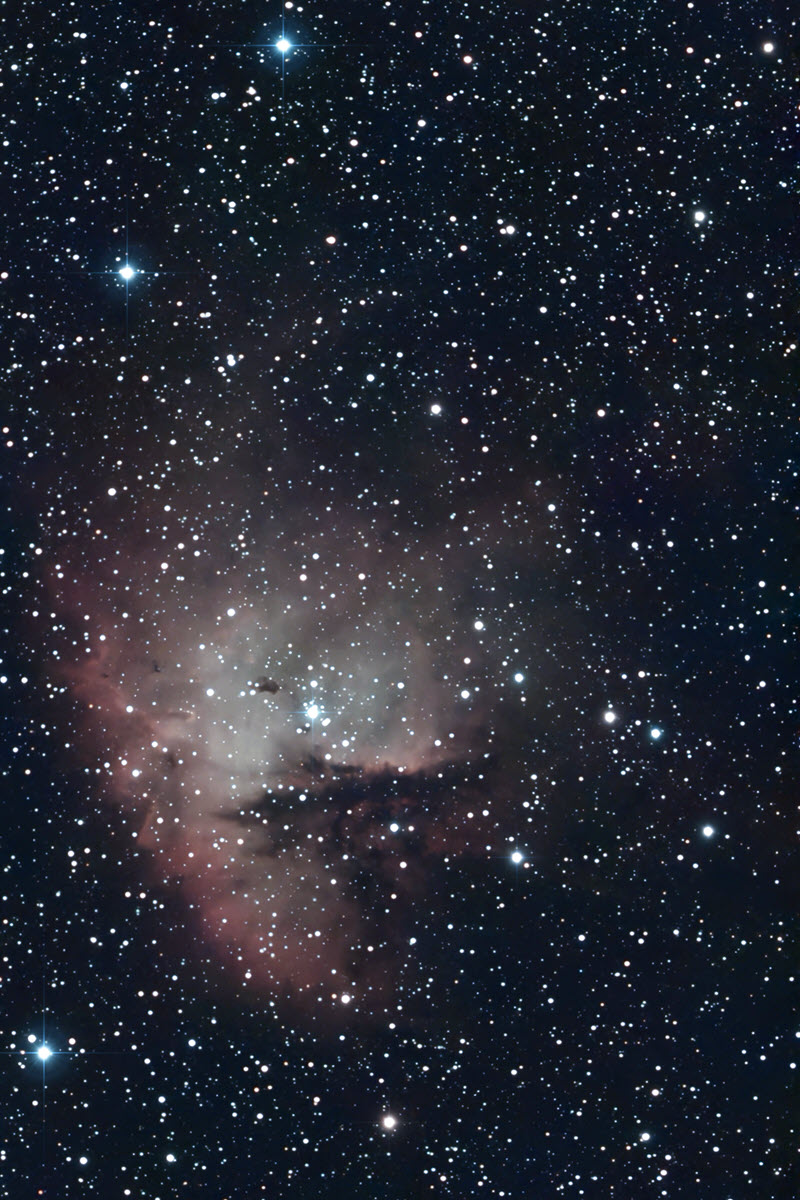
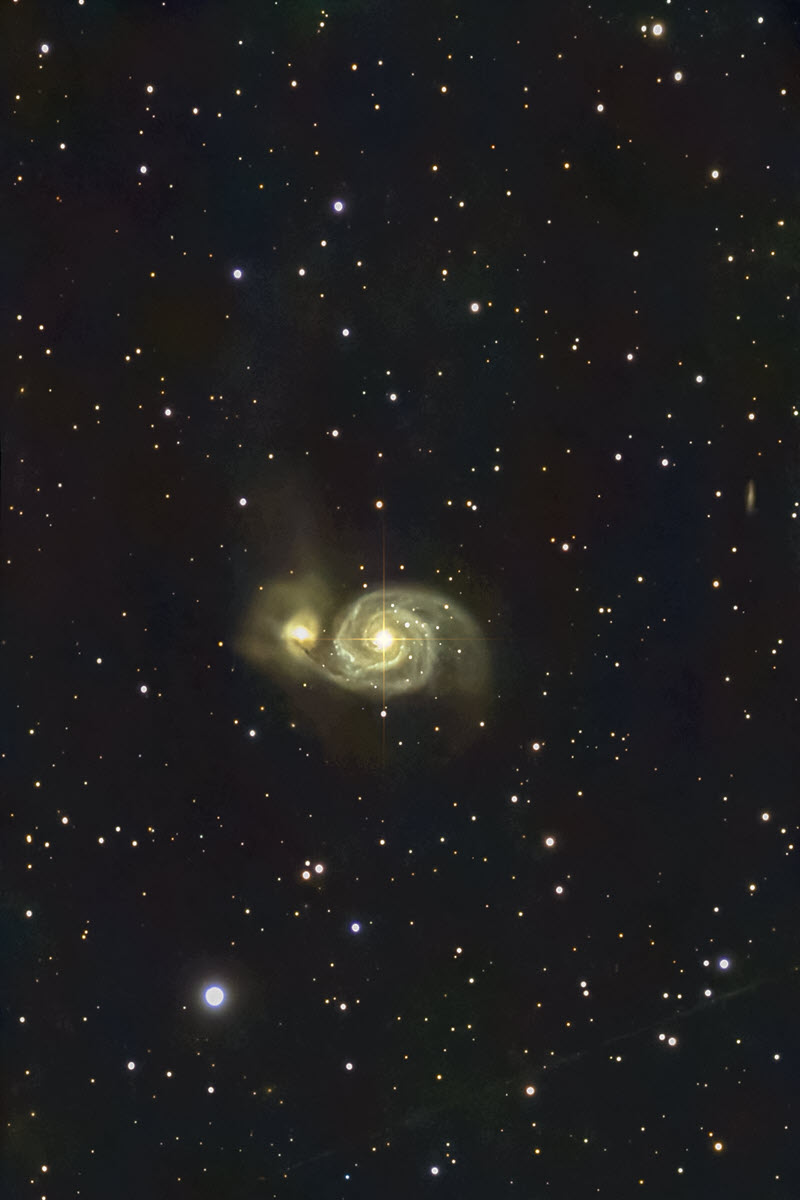
Selected Seestar Images